


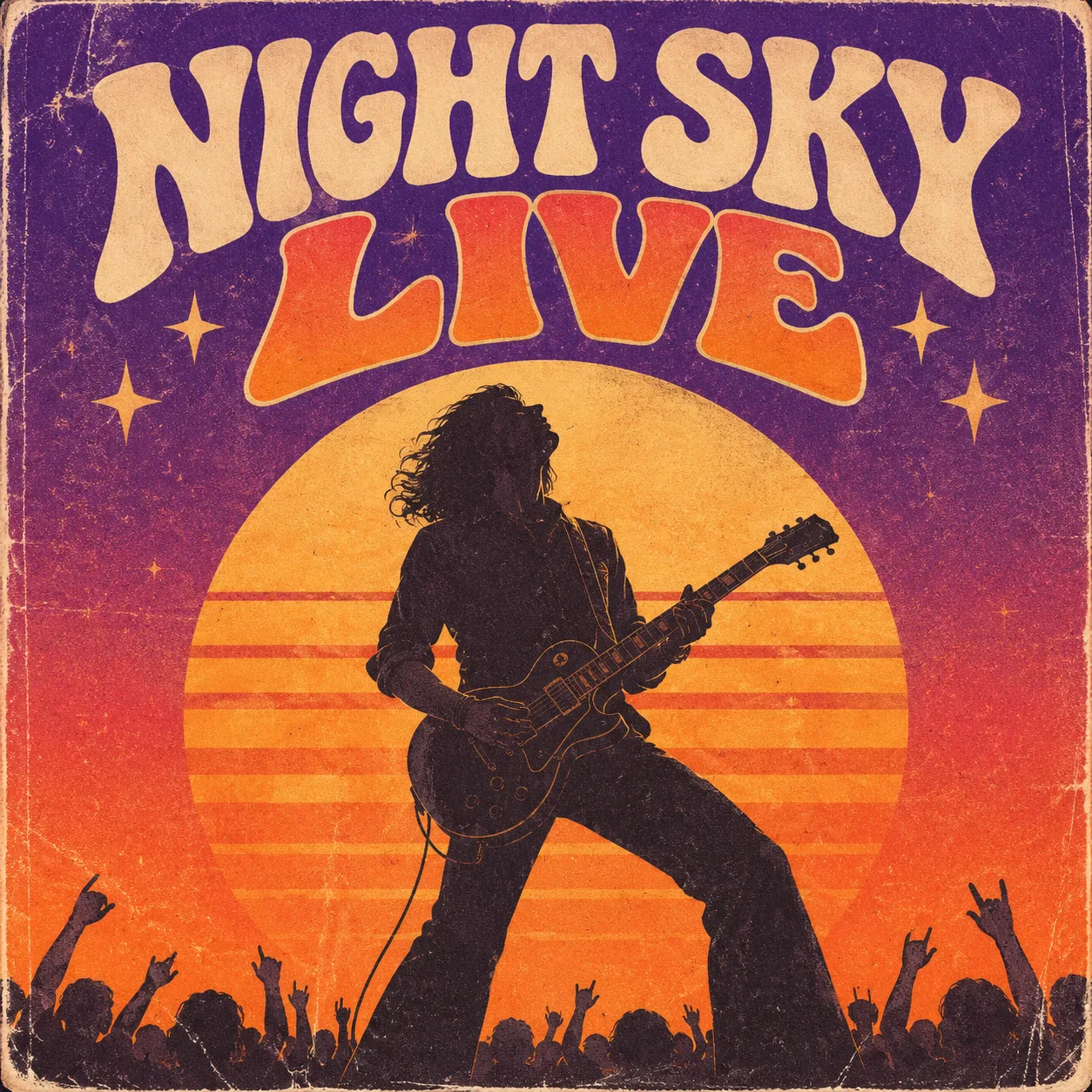


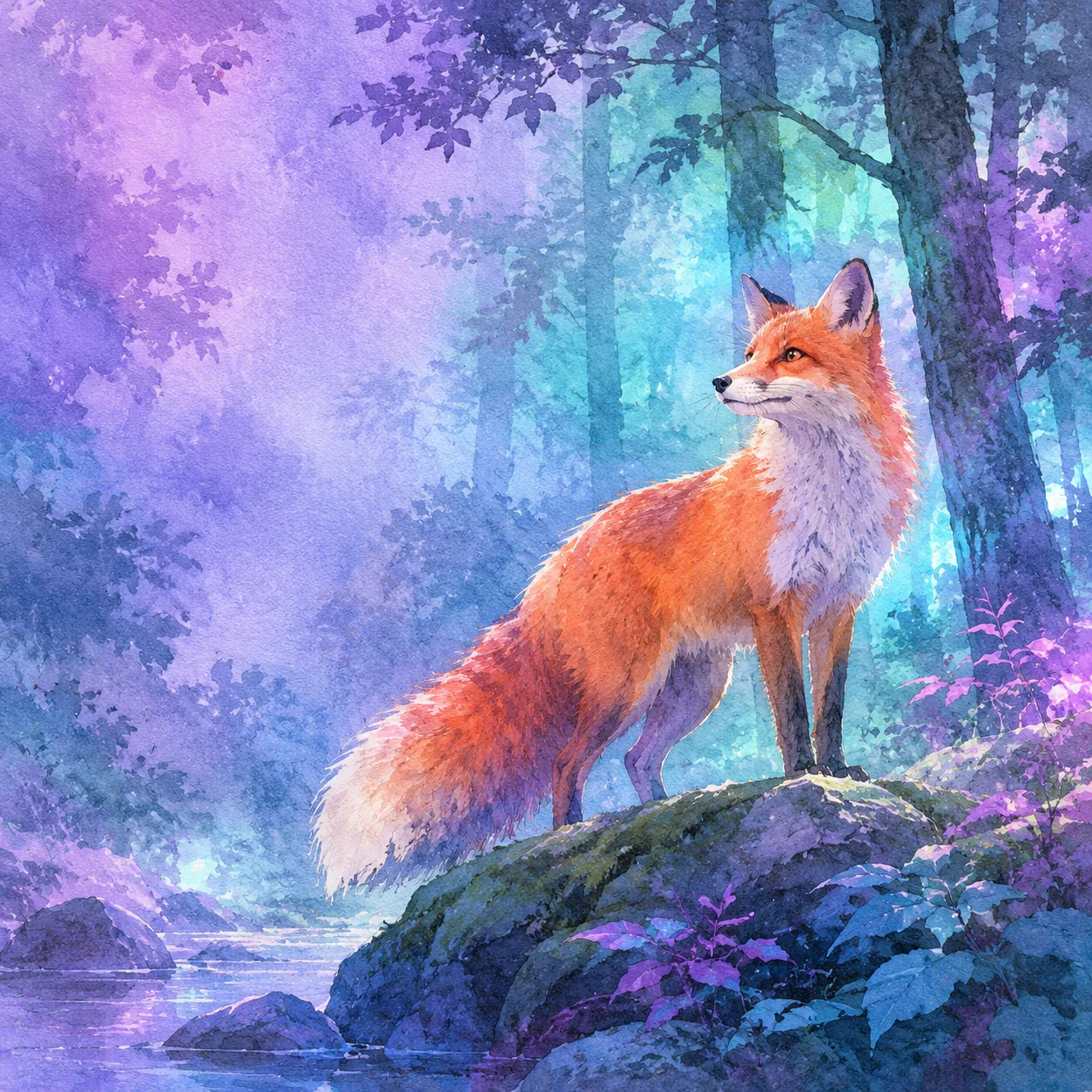
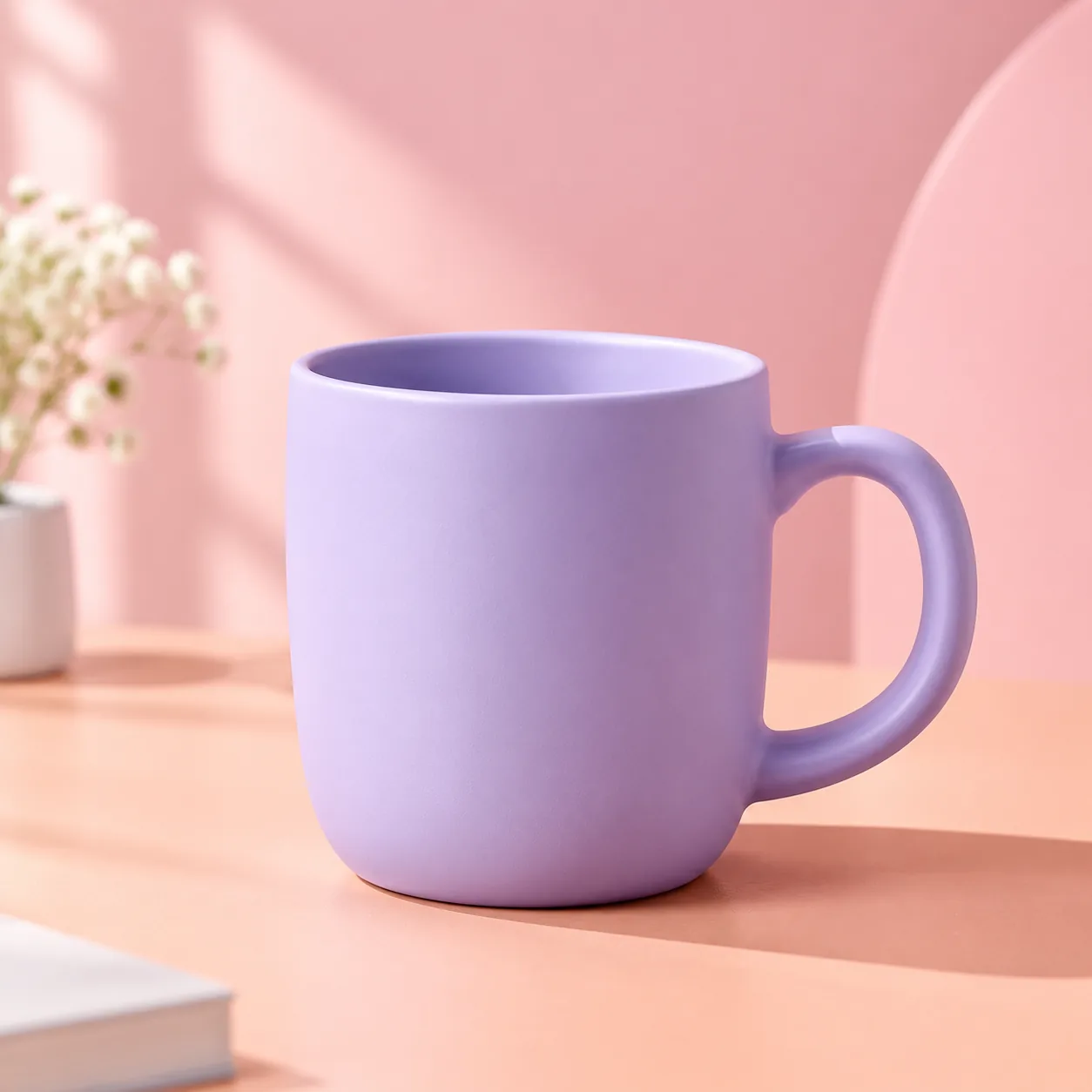





Flare
- Speed
- As fast as ~6s at low quality
- Best for
- Drafts and exploring ideas
- Credits
- 1 credit per 1K image
GPT Image 2.6
Describe an idea once and get a photo-real image, a looping GIF or an editable SVG, powered by the Flare and Sunburst models.
Get GPT Image 2.6 product updates by email
What's new
GPT Image 2.6 adds motion and vectors to what used to be a still-image tool.
Examples
Eight starting points across images, GIFs and SVGs. Open one to copy the full prompt.
Use cases
Six places where one prompt and one format go a long way.
Format guide
Start with where the asset will be used, then choose the format that fits its job.
What changed
A quick look at what changes from GPT Image 2 to GPT Image 2.6.
| GPT Image 2 | GPT Image 2.6 | |
|---|---|---|
| Output | Still images only | Still images, plus GIF motion and SVG vectors |
| Models | One model | Flare for speed, Sunburst for detail and consistency |
| Speed | Slower generation | Faster generation, with Flare as fast as ~6s at low quality |
Workflow
Create, refine and export with GPT Image 2.6 in a few simple steps.
Choose Image, GIF or SVG, then Flare for a quick draft or Sunburst for detail.
Write your prompt and add a reference image if you want to keep a character or product consistent.
Review the result against your brief and change one thing at a time. Use markup to point at a specific area when a local adjustment is needed, then export PNG, GIF or SVG for the intended use.
Models
Two models, two jobs. Draft fast, then finish with detail.
Draft with Flare, finish with Sunburst: explore cheaply first, then spend credits on the version you want to keep.
Pricing
Choose a plan that fits the way you create. No payment is collected through the email signup form.
Pricing and credits
$9.9/mo
200 credits per month
$19.9/mo
500 credits per month
$49.9/mo
1500 credits per month
Credit costs: Flare 1 credit per 1K image · Sunburst 4 per 1K / 8 per 2K · GIF 10 · SVG 4.
FAQ
Get GPT Image 2.6 product updates by email